2 November 2026
Overlays: duplicate them and keep only the part you need
RideComposer 2.0.31 and 2.0.32: duplicate an overlay in one click, then shorten it to the part you want to hear. Ideal for playing a second piece of music over the first.
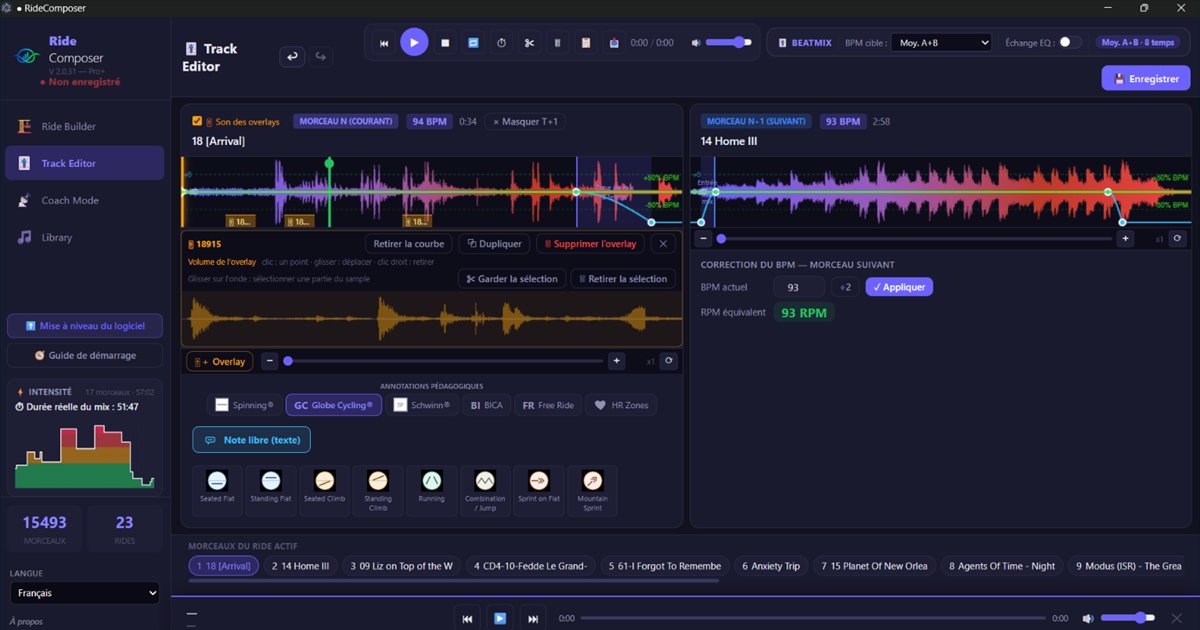
An overlay isn't only for hiding a transition. Some instructors use it to play a second piece of music over the first. But a whole track is too much: what you want is one passage. Two new features make that easy: you can shorten the overlay to the part you need (version 2.0.32) and duplicate it in one click (version 2.0.31).
Keep only the part you need
Click an overlay's orange bar: its panel opens under the waveform, with the whole sample and its volume. That panel now lets you choose what plays.
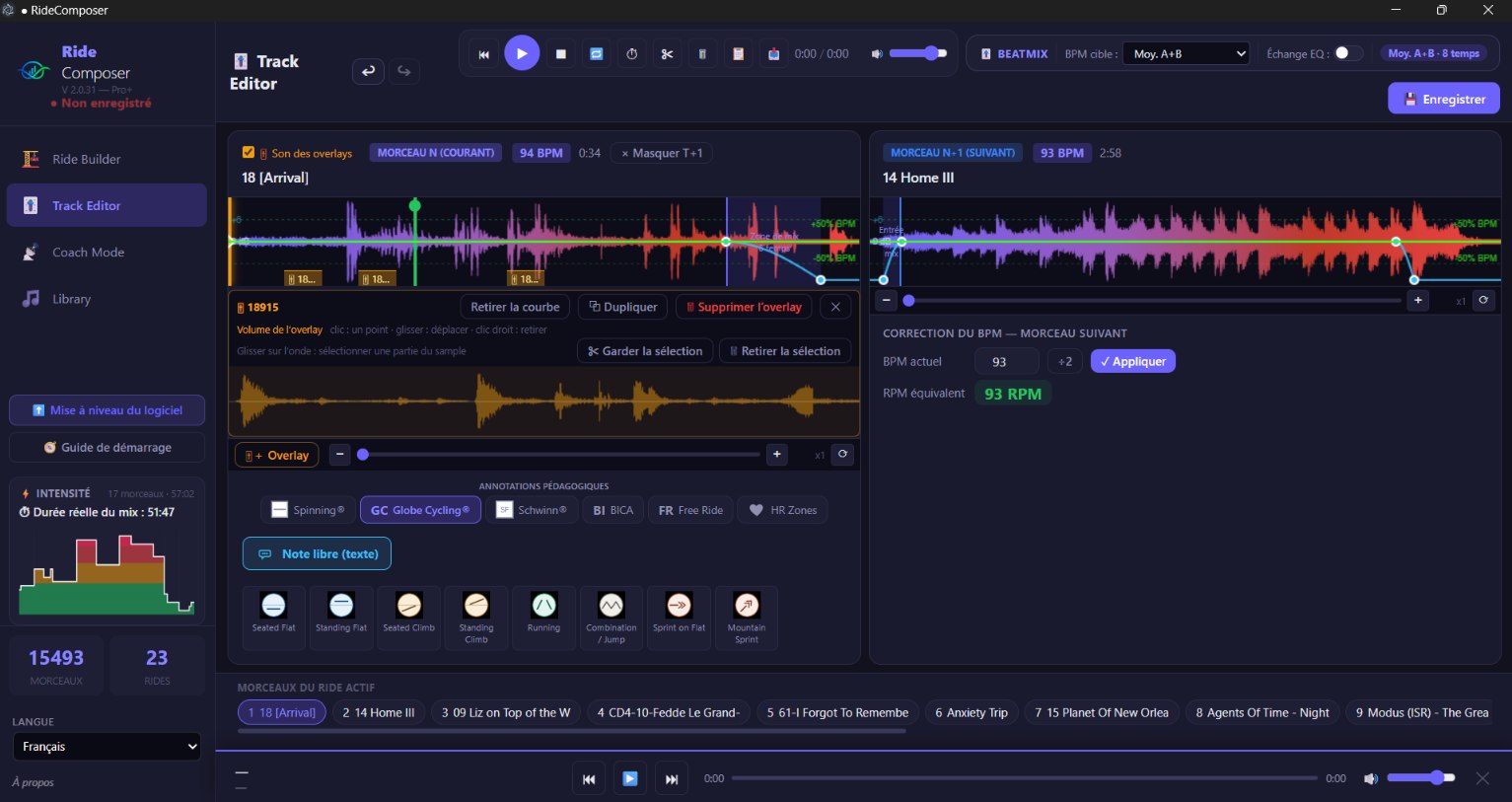
- Drag on the sample's waveform: a blue zone is drawn.
- "✂ Keep selection": only that part plays. The start and end of the sample are ignored.
- "🗑 Remove selection": the zone disappears and the rest joins up. A red line marks the join. You can remove several passages, one after the other.
- "↺ Whole track" brings the whole sample back.
Everything around it follows:
- the overlay still starts where you placed it; it's the orange bar that gets shorter;
- its volume curve follows what is played: removed points disappear, later ones move back; "Whole track" puts them back where they were;
- a micro-fade of a few milliseconds softens each join;
- Ctrl+Z undoes it, like everything else in the ride;
- it also works on a very short sample, a few seconds long.
A click in the empty part of the curve keeps its role: it adds a volume point. Drag a point to move it.
Duplicate an overlay
The "⧉ Duplicate" button, in the same panel, places a copy at the cursor: same sample, same volume curve. The copy is independent: shorten it, move it, change its volume without touching the original. It's handy for a siren or a jingle you replay several times, or to reuse the same passage at several points in the class.
The orange bars now stack only when they overlap: even with many copies, they all stay visible.
Download
Versions 2.0.31 and 2.0.32 are available on ridecomposer.com. For the basics — placing an overlay, moving it, setting its volume — see our article on overlays.