5 November 2026
Your slogan on the room screen
RideComposer 2.0.35: under the logo on the room screen, your own text, your studio's slogan or a welcome message. Set it once, change it with the ✍️ button.
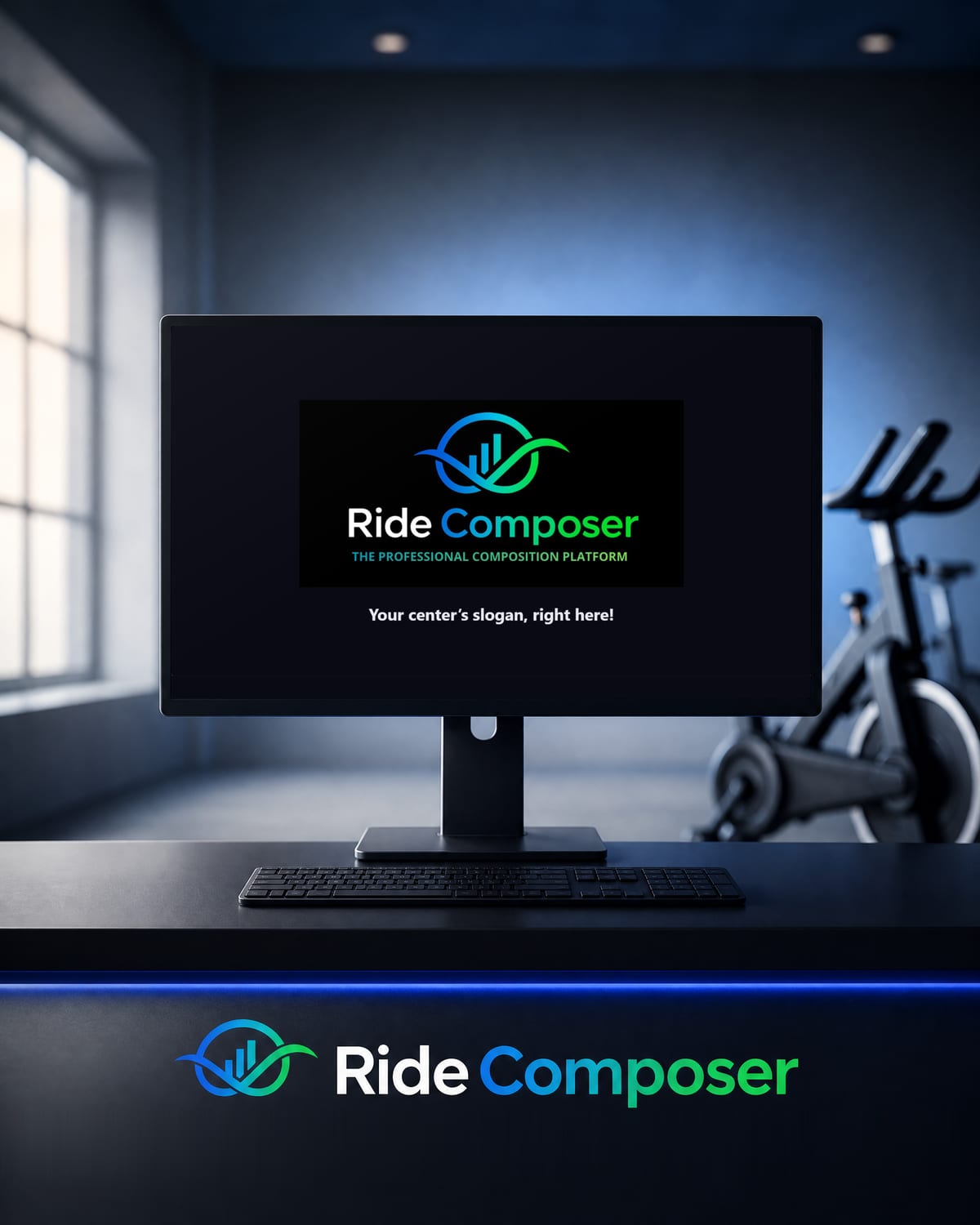
With the Pro+ plan, RideComposer can show the class video, the class profile, or both, on a second external screen (HDMI): the screen your room sees. Before the video, when the class is stopped and at the end, this screen shows the RideComposer logo. Since version 2.0.35, you can add your own text underneath: your studio's slogan, the name of your class, a welcome message for your riders.
How it works
- The first time you open the room screen (the 🎬 button for the video or 📈 for the class profile), RideComposer asks for your slogan. If you answer "Not now", the question does not come back.
- To enter or change it at any time, click the new ✍️ button in Coach Mode, next to 🎬 and 📈. The new text appears on the room screen right away.
- The slogan holds up to 80 characters. An empty field shows nothing: the screen stays as before.
- It is kept on your computer, from one class to the next.
When it is shown
The slogan appears under the logo whenever the logo is visible: when the screen opens, before the video starts, when you stop the class and at the end of the video. During the video, or when the class profile fills the whole screen, it disappears together with the logo.
Who it is for
The external screen, and so the slogan, is part of the Pro+ plan. During the 10-day free trial, every feature is unlocked, this one included.
Download
This version is available on ridecomposer.com; an app that is already installed offers you the update. Not a customer yet? The free trial gives access to every feature, no credit card required.