24 July 2026
Two External Screens, Two Jobs: Coach Mode for You, Video for the Room (Pro+)
RideComposer Pro+ drives two external screens at once — a big-screen Coach Mode at the foot of your bike, and a local video of your choice for the room. Here's how each works.
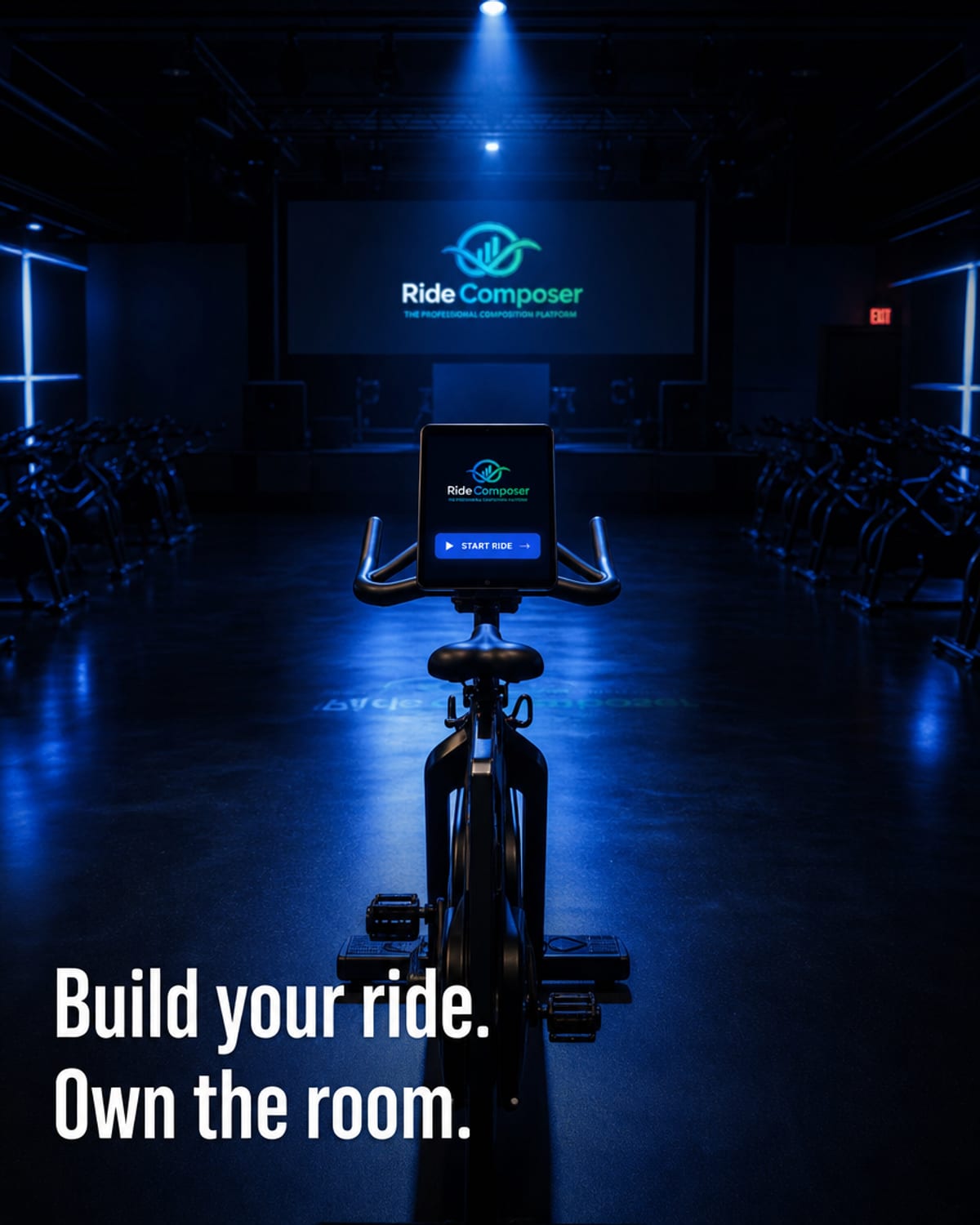
On the Pro+ plan, RideComposer doesn't stop at your laptop. It drives two external screens at the same time — each doing a completely different job. One is for you; one is for the room.
Screen 1 — Coach Mode on a big screen, for you
Coach Mode is your live dashboard: the upcoming track, your coaching cues, RPE targets and timing, all at a glance. On Pro+, you can send a synchronized replica of that view to an external screen (HDMI) — typically a TV placed at the foot of your bike.
Why it matters: instead of squinting at a laptop between your handlebars, you read everything on a large, clear screen a couple of metres away. The upcoming block, the effort target, the time remaining — all legible instantly, hands-free, while you coach.
Screen 2 — Video Mode, for the room
The second external screen runs Video Mode: play a local video of your choice — a coastal road, a mountain climb, an abstract visual — as an immersive backdrop for your class. It's your video, stored locally: no streaming, no buffering, no ads.
Why it matters: the right visuals lift the energy of a room. A climb feels like a climb; a sprint feels like a race. Your riders ride inside the session instead of staring at a blank wall.
Two screens, one class
Together, the two screens split the experience cleanly:
- Your screen (Coach Mode) keeps you precise and hands-free.
- The room's screen (Video Mode) keeps your riders immersed.
You prepare once in RideComposer; in class, both screens just play.
A Pro+ feature
The dual external-screen setup is part of the Pro+ plan, alongside native MixMeister import, the hands-free remote (optional accessory) and priority support.